
The Panic Button Protocol
What to do when you are stuck, the clock is ticking, and all you have is an AI window open.

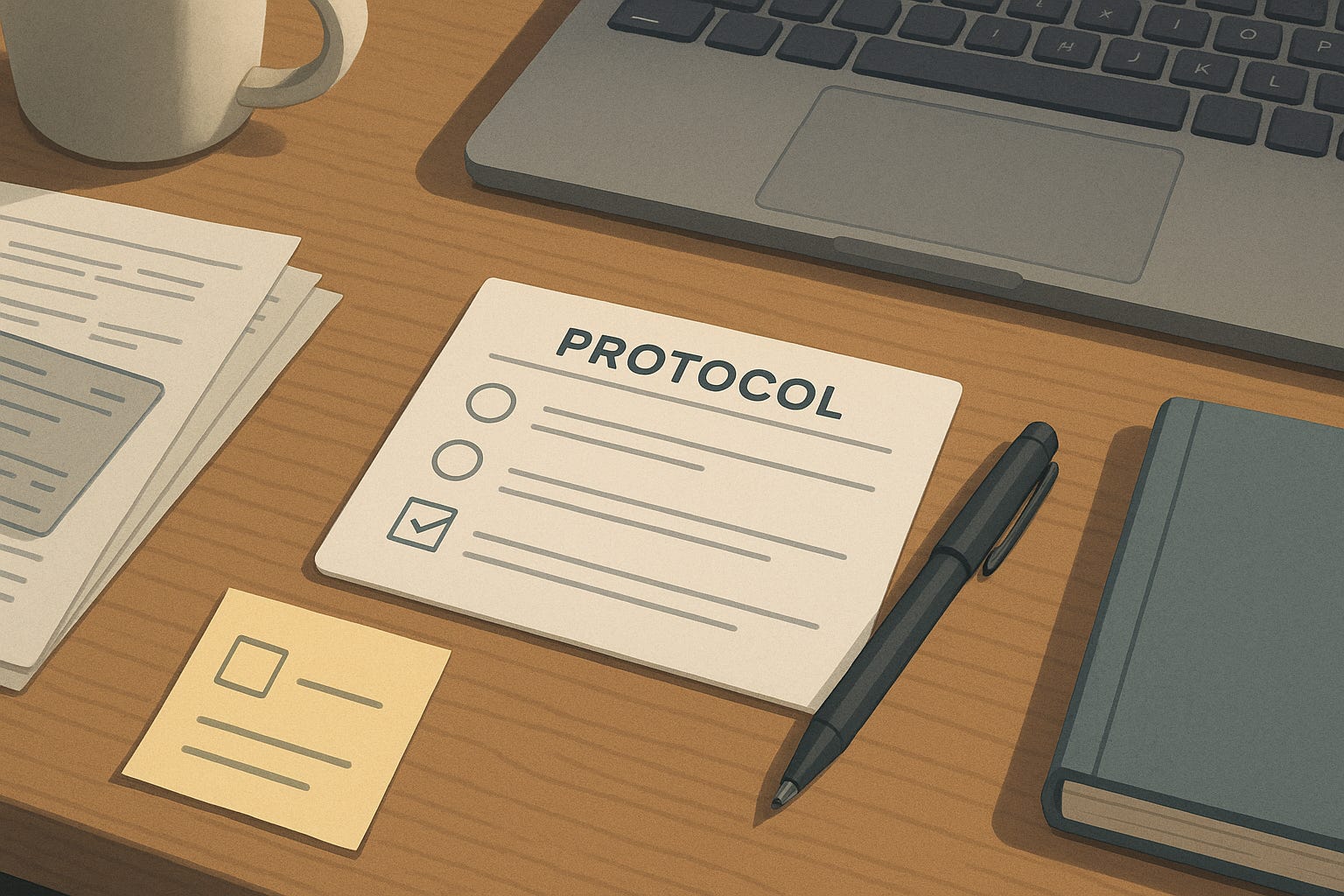
There is a particular kind of stuck:
Deadline is close
Brain feels foggy
Tabs are everywhere
You have no idea what to do next
You do not need a new productivity system in that moment. You need a panic protocol that gets you from “I am frozen” to “I know my next 30 minutes.”
That is what this is: three messages you can send to AI when you are jammed, that work for almost any knowledge-work problem.
Use it for:
Slides you have not started
Emails you are afraid to send
Reports you are behind on
Meetings you are not ready for
The rule: you describe reality, AI structures it, then you act.
Step 1: Name The Mess (Without Prettying It Up)
When you are stuck, the first move is not “ask for advice.” It is describe what is actually happening.
You send something like:
“Here is my situation in plain language.
– What the task is
– What the deadline is
– What I have already tried
– What is blocking me (fear, confusion, missing info, too big, too boring, etc.)I am not asking you to fix it yet. I just want you to reflect back what you think my real problem is, in one short paragraph and 3–5 bullets.”
Example (you write):
“I need to put together a 10–12 slide deck for leadership on Project X. I have scattered notes, some half-baked slides, and a vague sense of the story. Deadline is tomorrow afternoon. I am stuck because I do not know what to lead with, I am worried I will miss something important, and I keep bouncing between polishing details and avoiding the whole thing. I feel stupid and behind. Tell me what you think my real problem is and what type of stuck this is.”
You are not being professional. You are being honest.
AI comes back with: a short mirror of your situation and a first cut at “this is a framing problem,” or “this is a scope problem,” or “this is an avoidance problem.”
Your brain goes from “I am bad” to “I am dealing with a specific type of stuck.”
That shift matters.
Step 2: Ask For A Map, Not A Miracle
Once the mess is on the table, you do not say “fix it.”
You ask:
“Given what you just told me, lay out:
– 3–5 different ways I could tackle this
– For each: what I would actually do in the next 60 minutes
– Pros and cons of each, in my situationThen tell me which option is the most realistic for someone who is tired, anxious, and short on time, and why.”
You are asking for options with costs, not magic.
For the slide deck example, you might get something like:
Option A: “Minimum viable deck” (focus on must-have story, cut everything else)
Option B: “Executive one-pager first” (write a single-page narrative, then convert to slides)
Option C: “Borrow structure” (take a previous deck and adapt its skeleton)
Each has what you would do in the next hour, plus trade-offs.
Your brain now has a menu instead of a vague dread ball.
You still choose. That is important.
Step 3: Commit To A 30-Minute Script
Once you pick an option, you shrink the time horizon.
Ask:
“I am choosing Option [X].
Treat me like someone who can only focus for 30 minutes.
– Break my next 30 minutes into 3–6 tiny steps.
– For each step, tell me exactly what I should be doing (verbs, not concepts).
– Make it so simple and concrete that I can follow it even while anxious.At the end, tell me what ‘done with this 30 minutes’ looks like.”
Concrete looks like:
Open last month’s deck and copy it into a new file
Rename it “Project X – Leadership Draft”
Write three bullets about what changed since that deck
Turn those bullets into a rough slide title and 3–5 sub-bullets
Stop and paste the draft back here for review
You are not planning your life. You are buying 30 minutes of traction.
At the end of that half hour, you decide whether to:
Run another 30-minute script
Shift tasks
Call it “good enough for today”
The panic is now a series of small motions, not a wall.
Why This Protocol Is Different From Regular “Prompt Lists”
Most AI advice gives you clever prompts for ideal conditions.
The panic protocol is built for when you are:
Tired
Behind
Embarrassed
Not in the mood to optimize anything
It does three things:
Pulls you out of self-blame.
You are not asking “what is wrong with me?” You are asking “what kind of stuck is this?”Puts the model in the right role.
Not guru, not boss, not therapist. A structured, patient coworker who can map options and break things down.Forces you to choose.
The model lays out paths. You pick one and act. That keeps agency on your side.
You can run this protocol for:
Writing: reports, emails, applications, outlines
Analysis: “I have 10 open tabs and no story”
Admin: “I have 50 tasks and cannot make myself start”
Conversations: “I need to talk to this person and I am dreading it”
Same three moves every time.
How To Make It Stick
If you want this to be more than a good idea you forget, do two small things:
Save the three steps at the top of a note called “Panic Button.”
When you feel stuck, you do not think. You open that note, copy the text, and adapt it.Limit yourself to one panic protocol per problem.
The goal is not to discuss your stuckness for an hour. The goal is to move once, with a bit of help, then reassess.
That is it.
One description of reality.
One map.
One 30-minute script.
Where This Fits With Everything Else
This is another version of the core AI Desk Mate pattern:
Dump reality → let AI structure options → you choose the next move.
If you want other tools that plug into the same pattern:
The Five-Minute Status Report flow: turn a week of chaos into a crisp update.
The Case File Trick: throw all project debris into one thread and let AI help you think.
One Prompt To Rule Them All: use AI to design the prompts you wish you had.
If you like this and want my more serious brain, there is No Shots Fired, where I write about how China quietly fights for control of Asia’s seas without firing a shot.
If you want the same systems brain pointed at work, parenting, and politics as badly written policy, there is Nonbinding Guidance, which issues fake memos with no enforceable effect.
For AI at your desk, you do not need to become “good at AI.”
You need one reliable move for when you are stuck.
This is that move.
—
The AI Desk Mate
Practical workflows for using AI at your actual job.